SurgeryWeb Support Centre
How to Add Additional Content to the Home Page
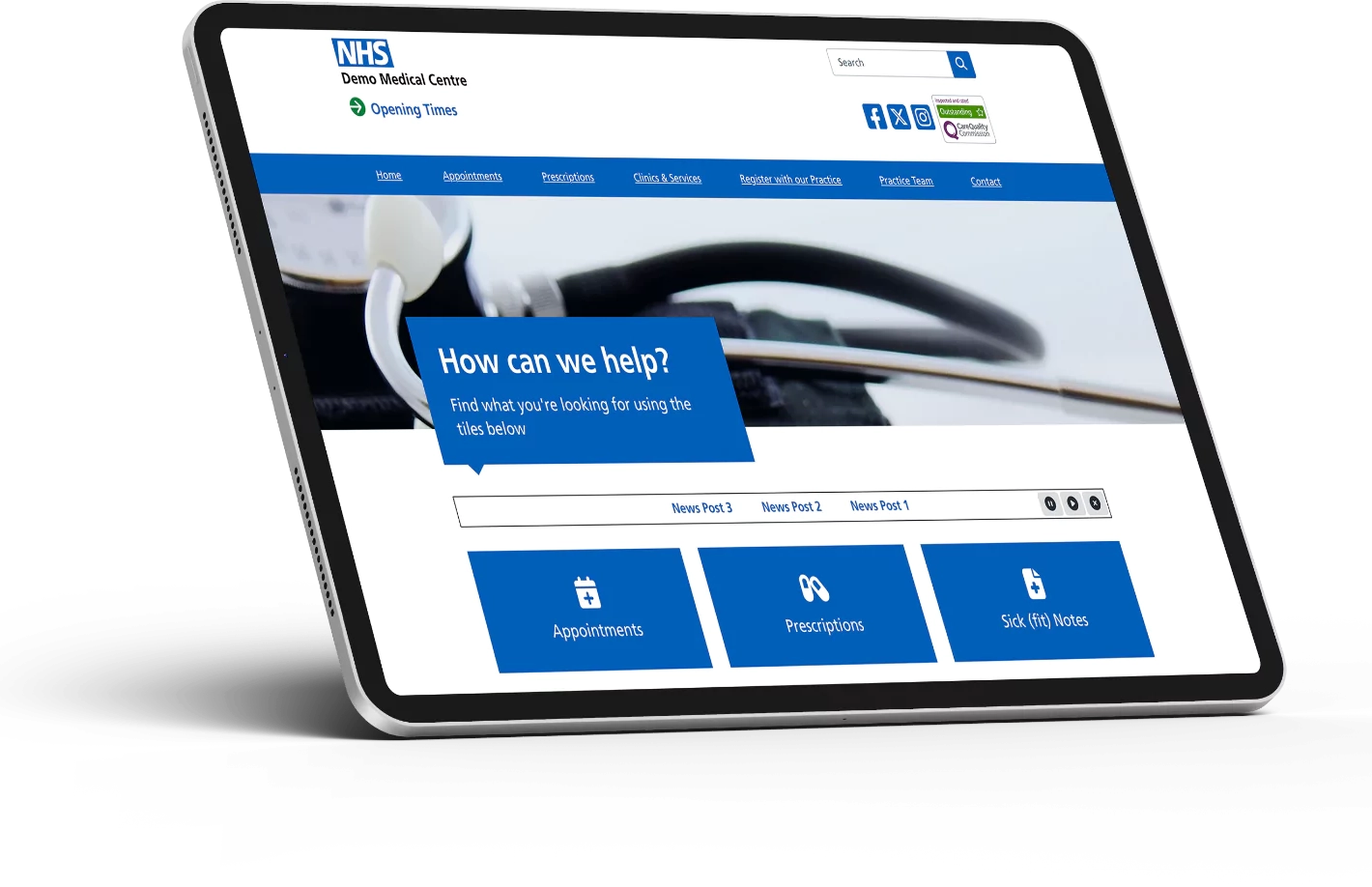
You can add some additional content onto your Home Page, such as a welcome message and some information about what patients can find on the website.
To add some additional content onto the Home Page, navigate from the dashboard to:
Home Page > Additional Page Content
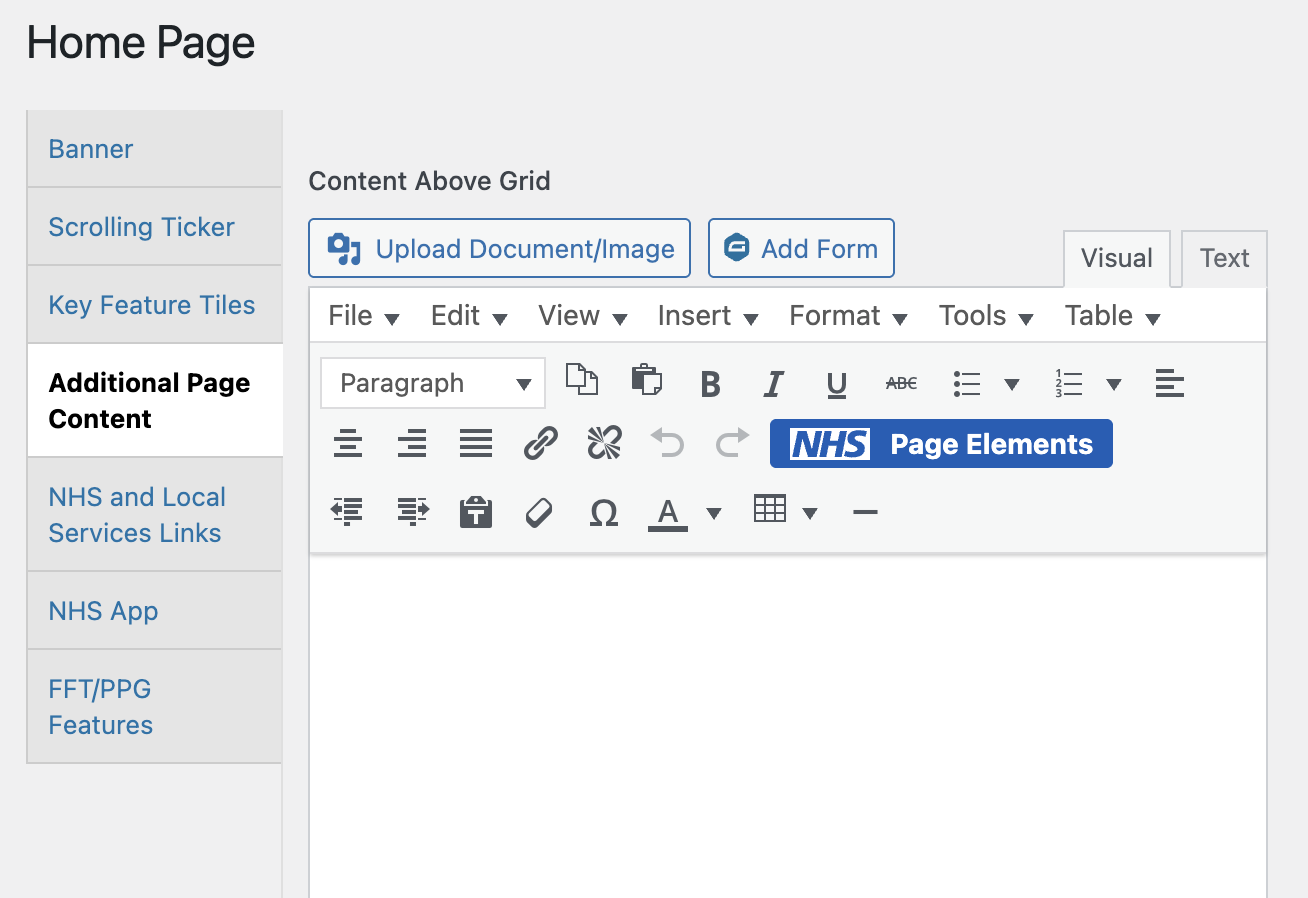
You have the option to add content above the grid or below the grid, with an editor section under ‘Content Above Grid’ and an editor section under ‘Content Below Grid’.
You can add the content such as text and images in the required placement using the relevant editor section.
To add text, write your content into the editor:
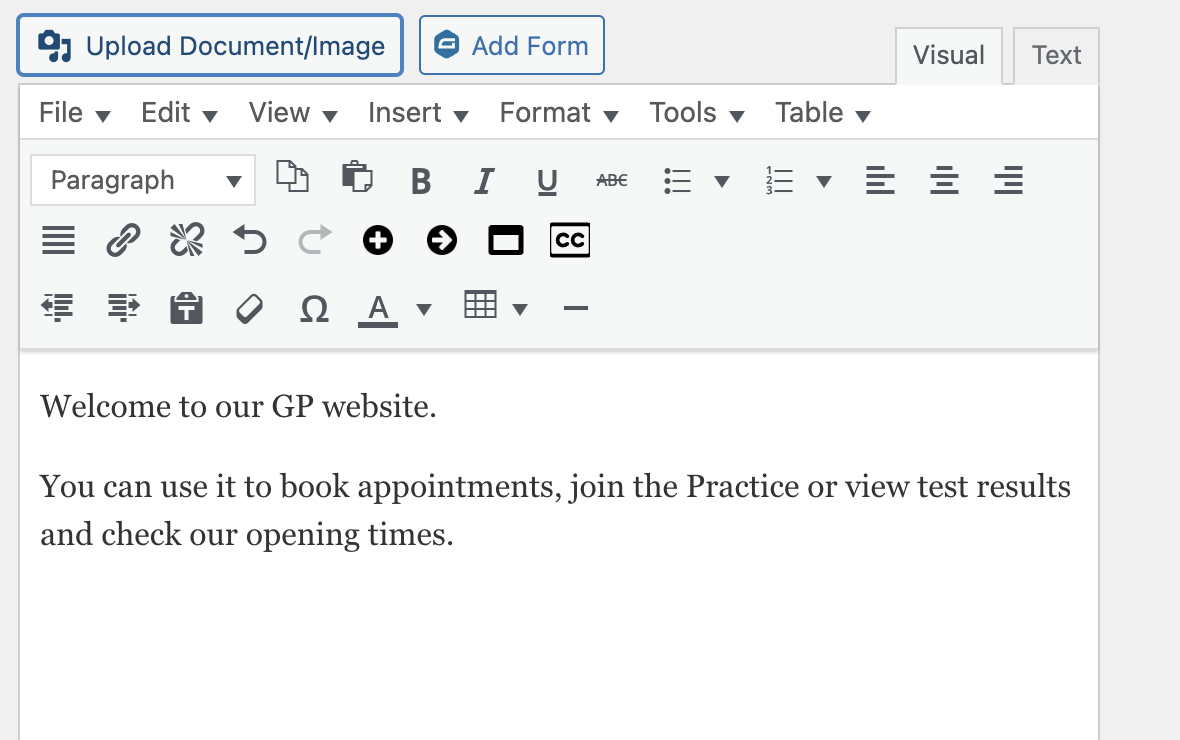
You can also add an image by clicking on the ‘Upload Document/Image’ button and select the Upload files tab, then ‘Select files’ button to upload your image. The image file format must be an accepted format such as .jpg, .jpeg, .png.
Please note that there is another function for adding an image banner for your website.
Once you have added the content, click on the ‘Update’ button under the Publish sidebar on the top right.
Was this helpful? Give it a thumbs up!