SurgeryWeb Support Centre
How to Edit and Add Links to the Secondary Menu
The secondary menu for your website is for the Additional Information links that are displayed on the right hand side of most inner pages. You
Read the full article…
How to Edit the Primary Menu
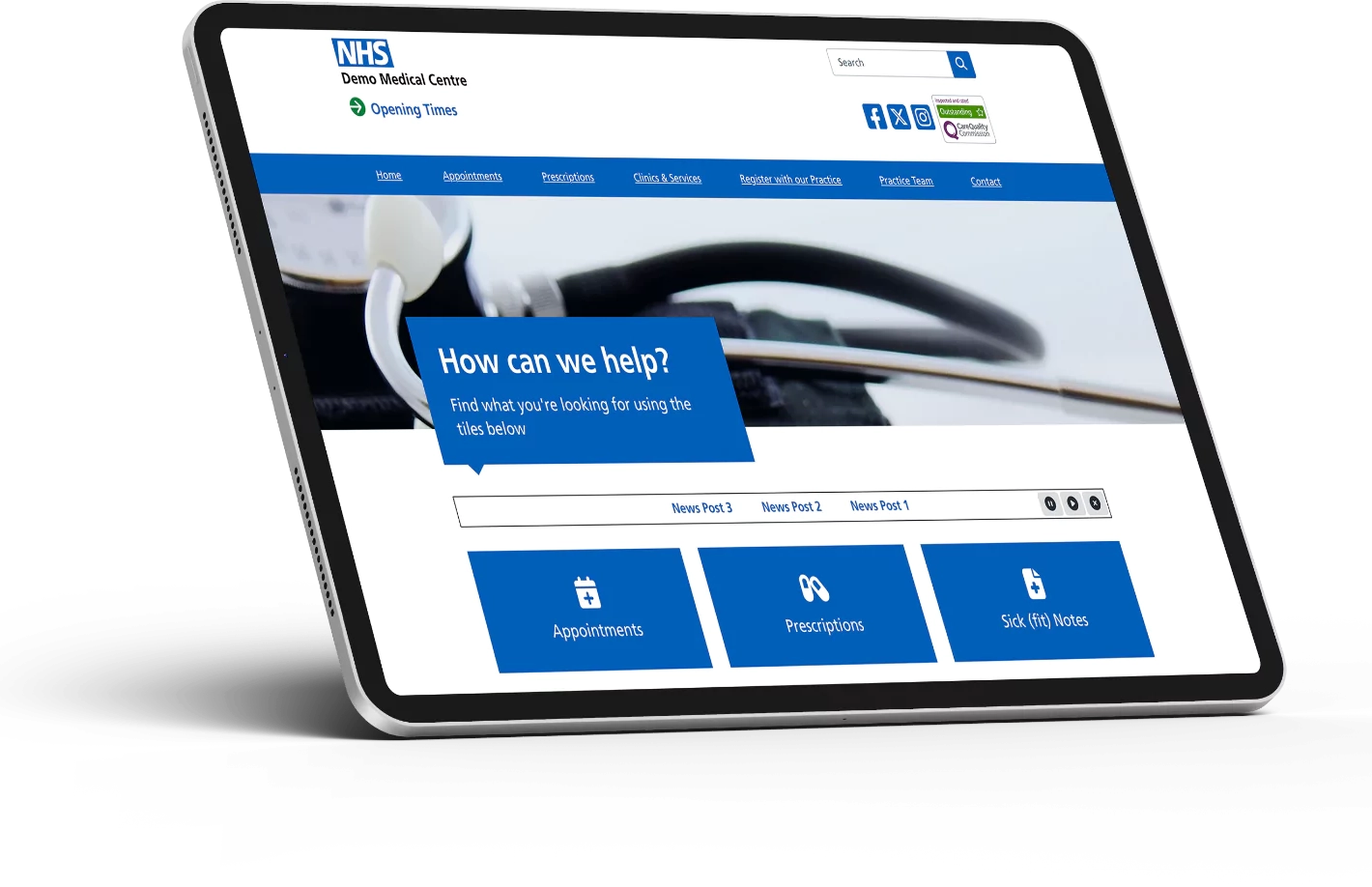
You can make changes to the primary menu that is displayed across the top of your website. The primary menu is restricted to no more
Read the full article…