SurgeryWeb Support Centre
Moving the Accessibility tools
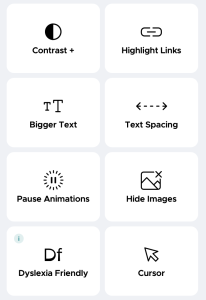
Your website template has additional accessibility tools that enables your patients to change the page contrast, highlight clickable links, increase text size, hide images, pause animations and more. This feature can be added to the header or footer of your website.
To add or remove the accessibility tool in your header, navigate to “Global Settings > Header” in your dashboard.
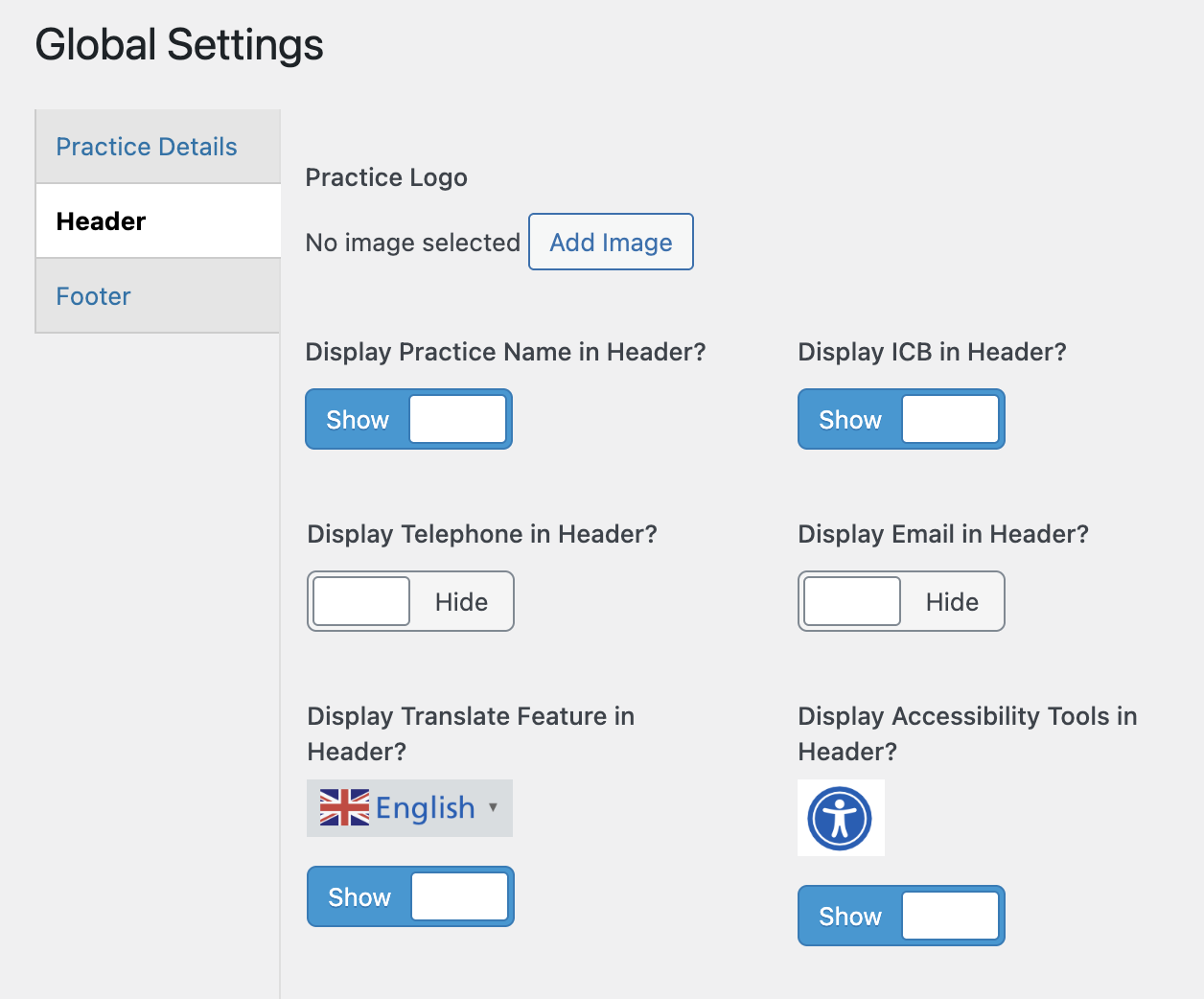
Use the toggle button under ‘Display Accessibility Tools in Header?’ to show or hide the tool in the header.
You can do the same for the footer by navigating to “Global Settings > Footer” from your dashboard.
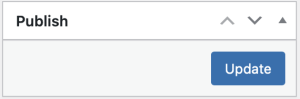
Finally, click ‘Update’ in the ‘Publish’ section on the right hand side of your settings screen to save your changes. Your accessibility tools trigger will now be displayed in the header or footer of your website, as you have selected.
Was this helpful? Give it a thumbs up!